
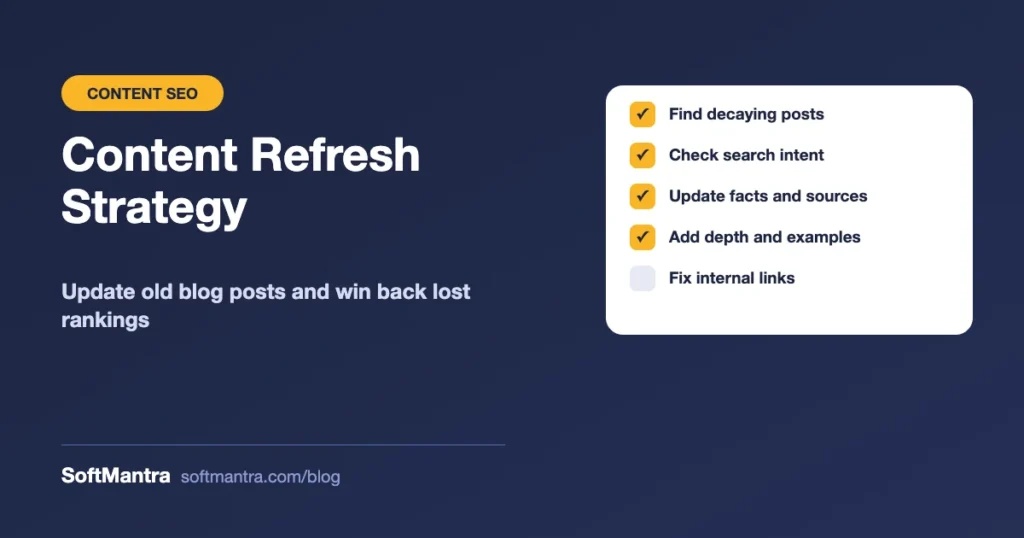
Most websites we audit have the same hidden problem: dozens of blog posts that once ranked well and now bring almost nothing. Nobody deleted them. Nobody improved them either. Meanwhile, competitors published newer, better pages on the same topics.
A content refresh strategy fixes this. Updating your best old posts is often faster and cheaper than writing new ones, because those pages already have links, history and internal links pointing to them.
Quick answer: A content refresh strategy means regularly finding blog posts that are losing traffic, then improving them with current facts, better answers, new sections, fresh examples and stronger internal links. Use Google Search Console to find declining pages, decide whether to update, merge or remove each one, and only change the published date when the content has substantially changed.
In this guide
Why Old Content Loses Rankings
- Outdated facts: prices, tools, rules and statistics change.
- Better competitors: newer pages answer the question more completely.
- Changed search intent: people now want a checklist, not an essay, or a comparison instead of a definition.
- AI answers: simple definitions are now answered directly by Google AI features, so pages need more depth to earn the click.
- Weak internal links: older posts often get buried as new content is added.
How to Find Posts Worth Refreshing
- In Google Search Console, open the Performance report and compare the last 3 months with the same period last year.
- Sort pages by the biggest drop in clicks.
- Note pages with high impressions but low clicks. They rank but do not win the click.
- Look for pages ranking in positions 5 to 15. Small improvements can move them up.
- Shortlist 10 to 20 posts that still match what your business sells.
Want us to find your quick-win pages? Our SEO audit includes a content decay report with a prioritised refresh list.
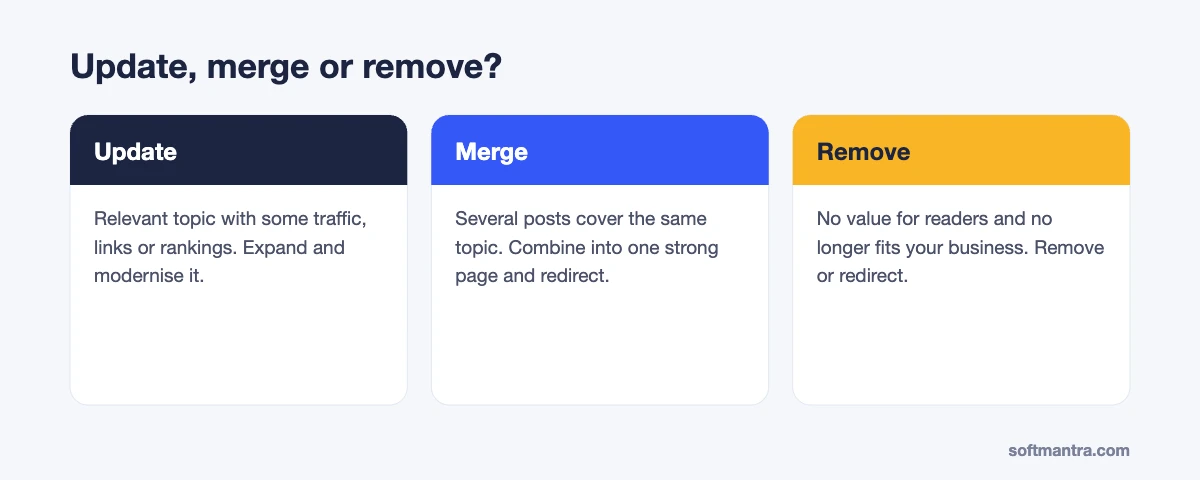
Update, Merge or Remove?
| Situation | Action |
|---|---|
| Post is relevant and has some traffic or links | Update and expand it |
| Two or more posts target the same topic | Merge into one strong page and redirect the others |
| Topic no longer fits your business | Remove it, or redirect if it has useful links |
| Thin page with no value for readers | Improve it substantially or remove it |
Pruning matters. Google’s John Mueller has said that old low-value pages may continue to affect how Google’s systems view a site (Search Engine Journal). Fewer, better pages usually beat many weak ones.
How to Refresh a Post Properly
- Re-check search intent: search the main keyword and see what kind of pages rank now.
- Add a clear answer near the top so readers and AI systems get the point quickly.
- Update every fact and link to current sources.
- Fill the gaps: add sections that competing pages cover and yours does not.
- Add original value: your own examples, screenshots, data or opinions.
- Improve structure: descriptive headings, short paragraphs, tables and lists.
- Add internal links from newer posts and service pages. See our internal linking guide.
- Refresh the title and meta description if click-through rate is low.
- Request indexing in Search Console after publishing the update.
Strong pages also need clear authorship and trust signals. Our guide to E-E-A-T explains what to add.
Short on time to rewrite old posts? Our content writing team refreshes posts with current facts, sources and SEO structure.
Before and after: what a real refresh changes
Here is the kind of difference we look for when we refresh a post for a client. A light edit rarely moves rankings; a refresh like this often does.
| Element | Before | After |
|---|---|---|
| Opening | Long story before the answer | A two or three sentence answer in the first lines |
| Facts | Prices and tools from three years ago | Current figures with linked sources |
| Structure | Few headings, long paragraphs | Question-style headings, lists and a table |
| Depth | Covers the basics only | Adds steps, examples, mistakes and FAQs |
| Visuals | Stock photo | Original chart, screenshot or diagram |
| Links | No internal links | Links to related guides and the relevant service page |
| Trust | No author or date | Named author, updated date and sources |
If you only have time for one change, start with the opening and the facts. Those two fixes help readers immediately and make the page easier for Google and AI systems to quote.
The Truth About Changing Dates
Changing only the date does not make a page fresh. Google’s helpful content guidance lists “changing the date of pages to make them seem fresh when the content has not substantially changed” as a warning sign of search-engine-first content (Google).
Update the date only after a real update, and show an “updated on” line so readers know the information is current. Google has also said it aims to reduce unhelpful, unoriginal content in Search (Google), so the substance of the update is what counts.
A Simple Refresh Schedule
- Monthly: check Search Console for big drops on key pages.
- Quarterly: refresh 5 to 10 posts on fast-changing topics.
- Twice a year: review your full blog and decide update, merge or remove.
- Always: link every new post to related older posts.
Want a content refresh plan for your blog? Talk to SoftMantra and get a free content audit.
Key Takeaways
- Refreshing old posts is one of the fastest ways to recover lost traffic.
- Use Search Console to find decaying pages, then update, merge or remove each one.
- Make real improvements before changing the date; Google warns against fake freshness.
Frequently Asked Questions
How often should I update old blog posts?
Review your important posts every 6 to 12 months, and fast-changing topics such as tools, prices or AI search every 3 to 6 months.
Does changing the date help rankings?
Not by itself. Google’s helpful content guidance warns against changing dates to make pages seem fresh when the content has not substantially changed.
Should I delete old posts with no traffic?
Not automatically. Improve posts that match real searches, merge overlapping posts, and remove or noindex only pages that have no value for readers.
How long after a refresh will rankings change?
Google needs to recrawl the page first. Many refreshed posts show movement within a few weeks, but competitive topics can take longer.